
For UK players interested in online casino games and betting, downloading an app should be the easy part. The more important questions are whether the service is legally available, whether the app is genuine, and whether its features suit your needs. This review looks at the 1win app download process from that practical perspective, including a crucial UK licensing consideration.
Check UK availability before downloading
Before visiting any download page, check whether 1win is authorised to offer gambling services to customers in Great Britain. The UK Gambling Commission (UKGC) regulates gambling operators serving people in Great Britain, and players can use the Commission’s public register to check an operator’s status. Do not assume that an app is legal or suitable for UK use just because its website opens or it appears in a search result.
If you cannot confirm that the operator is licensed for your location, do not deposit or gamble through it. UK rules and consumer protections may not apply to an unlicensed service, and you may have fewer options if a payment, account or withdrawal dispute arises. Players in Northern Ireland should also check the rules that apply to their location. This guide does not verify 1win’s current licensing or availability, so treat those checks as essential rather than optional.
How to find the official app safely
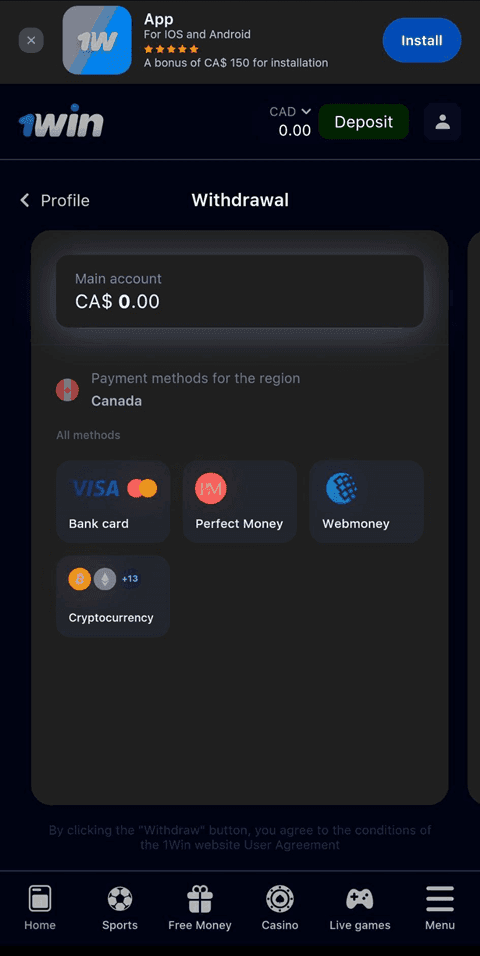
App availability can differ between Android and iPhone, and it can change over time. Start from a source you can verify, such as the operator’s official website, and compare the download instructions with information from a relevant app store. Be cautious if a third-party page offers an installation file, promises special bonuses, or asks you to disable security protections.
- Check the web address. Look for misspellings, extra words, unfamiliar domains and misleading look-alike pages.
- Confirm the publisher. If an app appears in a store, check the developer name and review the listing carefully.
- Avoid unsolicited links. Do not install an app from a message, pop-up advert or social post you cannot verify.
- Review permissions. A casino app should not need access unrelated to its normal functions. Decline unnecessary requests.
- Keep your device protected. Use current operating-system updates and built-in security tools.
Easy steps for installing the app
On Android
- Use a trusted browser to visit the verified official source, after checking that the service is permitted where you live.
- Find the Android download option and read the installation instructions before tapping the download button.
- If the app is distributed outside Google Play, pause and consider the security implications. Android may warn that the file comes from an unknown source.
- Do not switch off security features simply to get an installation working. If the source or instructions seem unclear, stop rather than taking a risk.
- Once installed, open the app and check that its branding, privacy information and account pages match the verified service.
Android menus vary by manufacturer and operating-system version, so there is no single safe set of instructions for changing installation permissions. If a download requires broad or unfamiliar changes to your phone’s security settings, do not proceed without verifying the source independently.
On iPhone
- Check the App Store for a listing that clearly identifies the publisher and matches the operator’s verified information.
- If no suitable listing is available, consult the official website for current instructions, but do not install configuration profiles or certificates from an unverified page.
- Read the privacy details and app requirements before installing. Make sure your iPhone’s software is up to date.
- After installation, open the app and confirm that the sign-in page uses a secure connection and recognisable branding.
Never use a modified app, “cracked” version or unofficial package that claims to unlock extra games or improve your chance of winning. Such files can expose passwords and payment details, compromise your device or lead to account problems.
Registering and securing an account
If you have confirmed that the service is legally available to you, create an account only through a verified app or website. Use accurate personal details and a strong, unique password. Avoid reusing the password for email, banking or other accounts, and enable additional security options if they are offered.
Gambling operators may request identity, age or payment checks. Complete these only through the verified service and never send sensitive documents in response to an unexpected message. Before depositing, read the terms for payments, withdrawals, bonuses and account restrictions. A promotion can come with conditions, such as qualifying play requirements or a time limit, so check those details before accepting it.
For any promotion, review the terms and any promotion code use in the cashier section instructions before making a payment. Do not assume that a code applies automatically, that it can be added later, or that it changes withdrawal rules. If the wording is unclear, ask support through a verified channel and keep a copy of the response.
Using the app: games, betting and practical checks
A casino and betting app may bring several sections together, but the exact catalogue and features can vary by country, device and account. If available, browse the games or sportsbook without rushing into a deposit. Look for clear information about game rules, minimum and maximum stakes, and any applicable fees or restrictions.
Casino outcomes are uncertain. A game’s published return-to-player figure, where provided, is a long-term statistical measure and not a prediction of what one person will win. Sports bets carry risk too, and no strategy can guarantee a return. Decide on a limit before playing, and do not increase it to recover losses.
Advantages and limitations to weigh
- Convenience: An app can make it easier to access an account and browse games on a phone.
- One interface: If casino and sports features are both offered in your region, they may be available from a single account environment.
- Security depends on the source: A legitimate app can still be unsafe to use on an unprotected device, while an imitation download may put your information at risk.
- Availability is not universal: Licensing, app-store rules and local restrictions can affect whether a service can be used.
- Mobile play can feel immediate: Notifications and saved payment details may encourage impulsive decisions, so review device and account settings.
Payments, withdrawals and responsible play
Before depositing, check which payment methods are available to you and whether your chosen method is accepted for withdrawals. Use an account or payment method in your own name, and read the operator’s processing times and conditions. Never deposit money you need for rent, bills, food or other essentials, and do not borrow to gamble.
Set a spending limit and a time limit before opening the app. Take breaks, and stop when either limit is reached. If gambling is affecting your finances, relationships or wellbeing, use available account tools such as deposit limits, time-outs or self-exclusion. In Great Britain, GamCare offers confidential support through its National Gambling Helpline; check its official website for current contact options. You can also speak with a trusted person or a healthcare professional.
Questions UK players should ask
Is it safe to download the 1win app?
Safety depends on the source, your device and whether the service is authorised for your location. Use only a verified download route, check permissions and avoid unofficial files. Confirm current UK availability independently before registering or depositing.
Why might the app not appear in my app store?
Listings can vary by country, device and store policy, and may change. Do not treat a missing listing as a reason to install a file from an unknown website. Check the verified official source and relevant local rules instead.
Can I use the app if I am in the UK?
Do not rely on access alone as proof that an operator is authorised. Check the UKGC register and the operator’s terms for your location. If you cannot establish that the service is permitted, choose a UKGC-licensed alternative.
What should I do if installation instructions ask me to disable protection?
Stop and verify the instructions through a trusted source. Disabling device safeguards to install an app can expose your phone and personal information to harm.
Verdict
The 1win app download process should begin with verification, not with a tap on the first search result. A careful player checks licensing and local availability, confirms the download source, protects device and account details, and reads payment and promotion terms before spending. If those checks cannot be completed confidently, do not install or use the service. Convenience is worthwhile only when it is paired with legal clarity, digital security and sensible limits.